Digital Art Tools for Photoshop Certification

Oxford College of Education

T&J
Harga
school-reference
detail

Jadwal kelas

Lama kursus
52 minggu
Tanggal mulai
Setiap Senin
Kelas per minggu
1 lesson per week (setiap pelajaran berakhir 60 menit)
Hari kelas
Senin - Minggu

Jadwal kelas kemungkinan berubah tergantung keberadaan dan musim.

Deskripsi kursus

Digital Art Tools for Photoshop Certification
Ever wonder why a picture in a magazine looks flawless or how creative an advertising banner looks? While being a professional designer or photographer may have a lot to do with it, the potential to create amazing images is possible for anyone. The key is to learn how to use the right post-production software, such as Adobe Photoshop. The ability to create multi-layers with unique effects and designs allows the designer to add depth and dimension. It is important to understand what Photoshop is used for as it has multiple functions and can be a very useful tool in not just editing photos, but also creating pamphlets, banners, business cards and flyers. This course will teach you about the benefits of such a program and also provides instructions on how to use it for both professional and personal needs.

Throughout the course, you will see 21 different videos. Each video will take you on a step-by-step journey through the basic features of Photoshop. While there are several obvious features, such as the ‘Layers’ dialogue box, there are additional ways to use each tool to maximise the post effects of a photo.

In this course, you will learn:
How to create a new file and adjust a canvas size that is suitable to project needs
How to navigate through the software, where to find its tools and understand the layout of the page
Learn how to identify Photoshop tools and understand their basic functionalities
Learn how to identify the secondary tools, how to select them and what they are used for
Learn shortcuts and understand how and when to use them
How to use the layer option and understand the layer dialogue box
Learn how to use and apply adjustment layers
How to add effects and filter to an existing image
Course Benefits:
You will learn the basic steps of using Photoshop and can begin to create a design
How to become more efficient by using shortcuts and understanding the use of specific tools
You will understand how to enhance an image and ways to crop the image to reuse for another project
The importance of colours and how they can be adjusted and enhanced using the different colour options such as colour balance
How to use brightness and contrast, exposure and hue and saturation to manipulate a photo
How to use rulers to make creative designs such as pamphlets
Design elements that enhance a creative project

Tingkatan kelas

Seluruh tingkat, pemula hingga tingkat lanjut
Kami akan menyelenggarakan tes pada hari pertama Anda untuk menentukan tingkatan kelas Anda juga dapat mengambil tes ini sebelum kedatangan Anda di !Wilayah.

Ukuran kelas

Rata-rata 12 siswa
Maksimum 15 siswa

Umur siswa

Kisaran umur 16 - Umur 35 tahun
Rata-rata Umur 19 tahun

Sertifikat

Sebuah sertifikat penyelesaian akan dikeluarkan pada akhir kursus.
baca selengkapnya...
school
photos

Foto

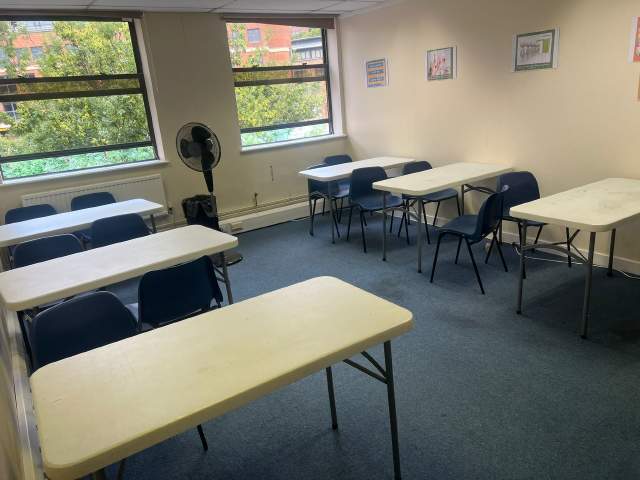
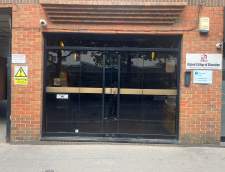
  • Oxford College of Education 1/10
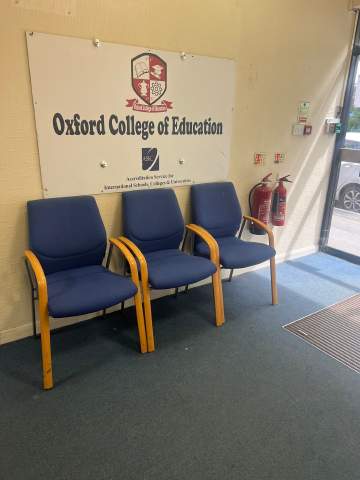
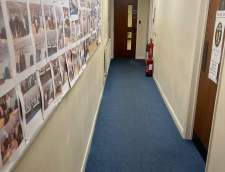
  • Oxford College of Education 2/10
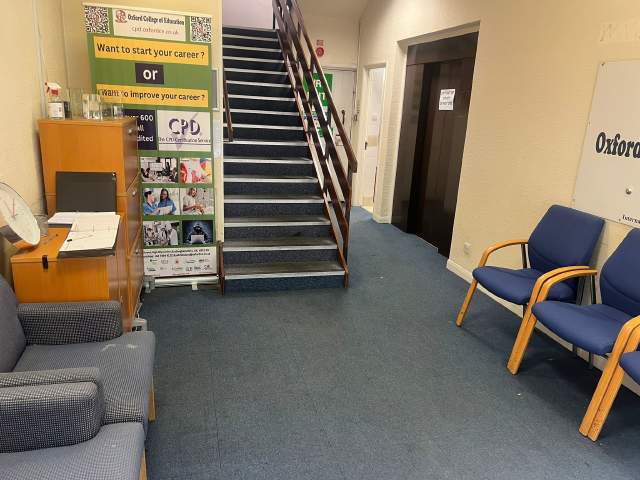
  • Oxford College of Education 3/10
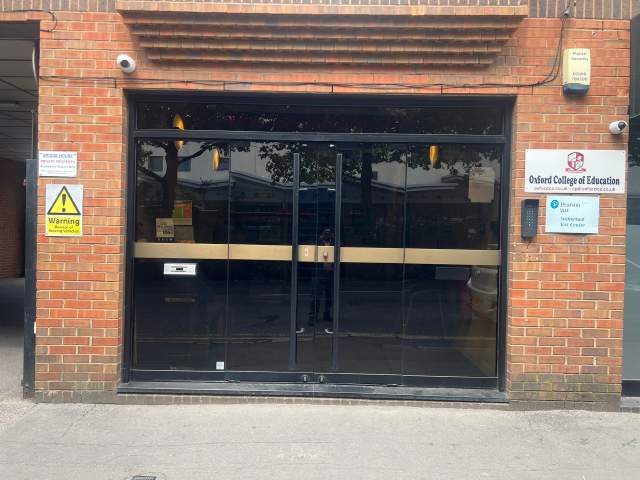
  • Oxford College of Education 4/10
  • Oxford College of Education 5/10
  • Oxford College of Education 6/10
  • Oxford College of Education 7/10
  • Oxford College of Education 8/10
  • Oxford College of Education 9/10
  • Oxford College of Education 10/10
visa

Dukungan visa

Anda tidak dapat mengajukan permohonan visa sebagai seorang pelajar. Namun, pihak sekolah dapat memberi Anda seluruh dokumentasi yang Anda perlukan untuk mendukung permohonan visa Anda.

Bila Anda belajar di Inggris lebih dari 11 bulan, Anda akan menerima nomor referensi yang disebut Confirmation of Acceptance for Studies (CAS) yang harus Anda kirimkan ke Kedutaan Besar Inggris bersama aplikasi General Student Visa. Para siswa yang sudah berhasil mendaftar kursus bahasa dan telah membayar biayanya akan menerima CAS dari OCE. Perlu diingat bahwa undang-undang Inggris menetapkan bahwa CAS hanya dapat dikeluarkan untuk siswa yang berniat menyelesaikan pelajaran Bahasa Inggris lebih dari 11 bulan.

Biila Anda menuntut ilmu di Inggris untuk jangka 11 bulan atau kurang, Anda harus mengajukan permohonan visa kunjungan khusus yang dikenal dengan Student Visitor Visa atau Visa Pelajar Tamu. Sebagai seorang tamu pelajar, Anda tidak dapat bekerja paruh waktu selama belajar. Kalau Anda berencana menuntut ilmu di Inggris untuk jangka 11 bulan atau kurang, sepucuk surat penerimaan Anda akan dikirim ke alamat rumah Anda melalui pos biasa tanpa dipungut biaya

Pelajari lebih lanjut bagaimana memperoleh visa UK »

Penerbangan dan transfer bandara

Please note that we do not book flights for our students. If you are researching airfare costs, we recommend using Kayak.com, a search engine that lets you compare flight options from your home country to High Wycombe based on your budget, schedule and preferences.

Asuransi perjalanan

Pelajar di luar negeri tanpa khawatir bersama Language International's health and personal effects insurance coverage.

Pelajari lebih jauh tentang paket asuransi kami »

baca selengkapnya...
questions

Tanya & jawab

Ada pertanyaan Dapatkan jawaban dari penasihat siswa kami, Oxford College of Education staf dan siswa sebelumnya.

Ajukan pertanyaan
Tampilkan harga